Learn more
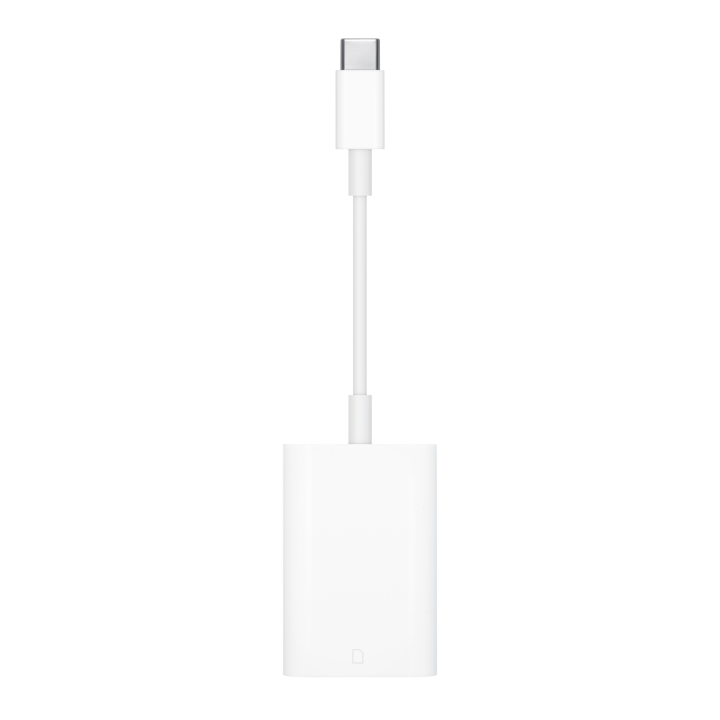
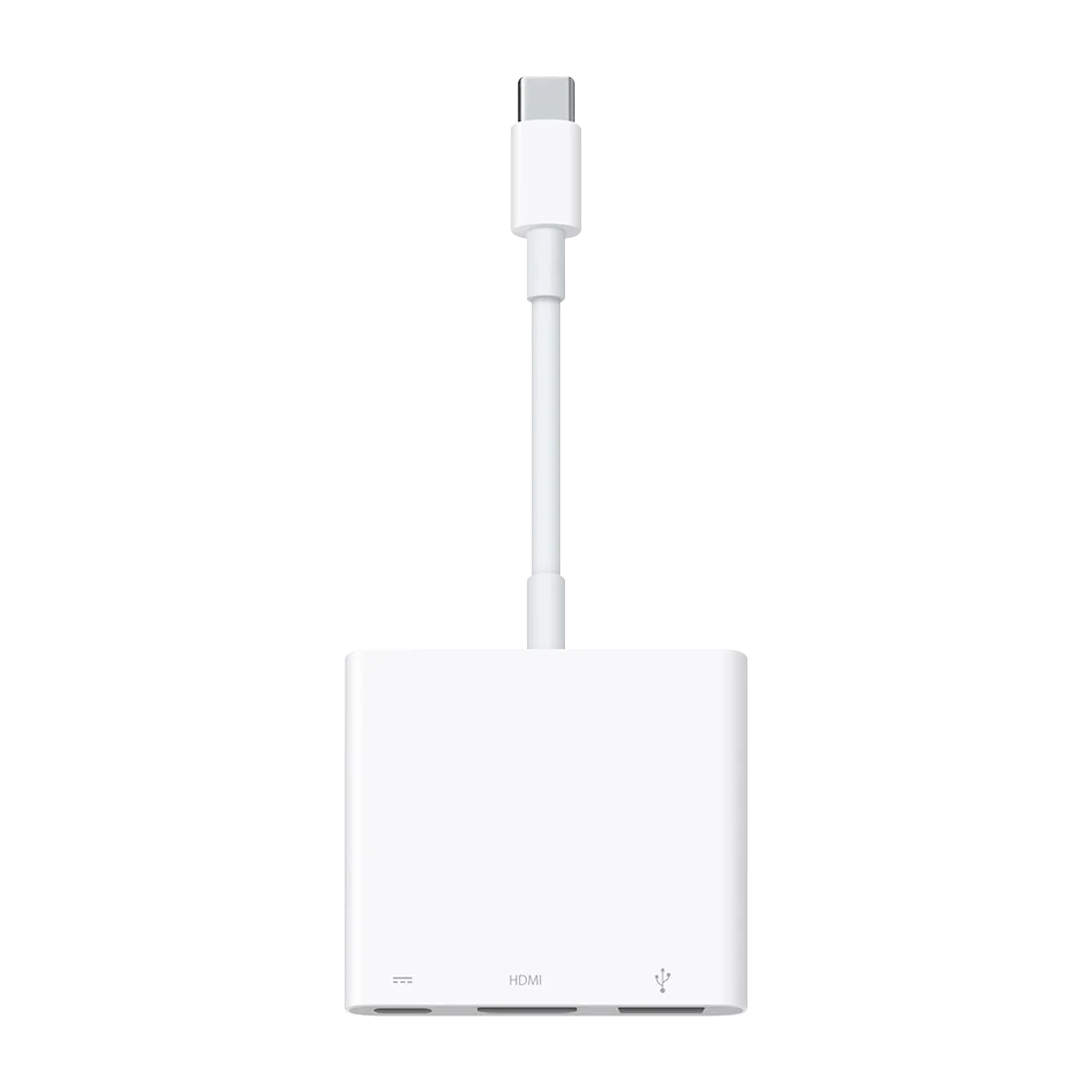
Use the USB-C Digital AV Multiport Adapter to connect your Mac to an HDMI display, standard USB devices, charging cables and more.
- The USB-C Digital AV Multiport Adapter lets you connect your USB-C?enabled Mac or iPad to an HDMI display, while also connecting a standard USB device and a USB-C charging cable.
- This adapter allows you to mirror your Mac or iPad display to your HDMI-enabled TV or display.
- iPad?Pro 11-inch, iPad?Pro 12.9-inch (3rd generation and later), MacBook?Pro (16-inch, 2019), MacBook?Pro (15-inch, 2017 and later), MacBook?Pro (13-inch, four Thunderbolt?3 ports, 2020), MacBook?Air (2020), iMac (Retina 5K, 27-inch, 2017 and later), iMac (Retina 4K, 21.5-inch, 2017 and later) and iMac?Pro (2017 and later)
- iPad?Air (4th generation), MacBook?Air (2018 and later), MacBook?Pro (13-inch, 2016 and later), MacBook?Pro (15-inch, 2016), iMac (non-Retina, 21.5-inch, 2017) and Mac?mini (2018)
- Simply connect the adapter to a USB-C or Thunderbolt 3 (USB-C) port on your Mac or iPad and then to your TV or projector via an HDMI cable (sold separately).
- Use the standard USB port to connect devices such as your flash drive or camera or a USB cable for syncing and charging your iOS devices. You can also connect a charging cable to the USB-C port to charge your Mac or iPad.
In the box: Apple USB-C Digital AV Multiport Adapter
Use the USB-C Digital AV Multiport Adapter to connect your Mac to an HDMI display, standard USB devices, charging cables and more.
- The USB-C Digital AV Multiport Adapter lets you connect your USB-C?enabled Mac or iPad to an HDMI display, while also connecting a standard USB device and a USB-C charging cable.
- This adapter allows you to mirror your Mac or iPad display to your HDMI-enabled TV or display.
- iPad?Pro 11-inch, iPad?Pro 12.9-inch (3rd generation and later), MacBook?Pro (16-inch, 2019), MacBook?Pro (15-inch, 2017 and later), MacBook?Pro (13-inch, four Thunderbolt?3 ports, 2020), MacBook?Air (2020), iMac (Retina 5K, 27-inch, 2017 and later), iMac (Retina 4K, 21.5-inch, 2017 and later) and iMac?Pro (2017 and later)
- iPad?Air (4th generation), MacBook?Air (2018 and later), MacBook?Pro (13-inch, 2016 and later), MacBook?Pro (15-inch, 2016), iMac (non-Retina, 21.5-inch, 2017) and Mac?mini (2018)
- Simply connect the adapter to a USB-C or Thunderbolt 3 (USB-C) port on your Mac or iPad and then to your TV or projector via an HDMI cable (sold separately).
- Use the standard USB port to connect devices such as your flash drive or camera or a USB cable for syncing and charging your iOS devices. You can also connect a charging cable to the USB-C port to charge your Mac or iPad.
In the box: Apple USB-C Digital AV Multiport Adapter
Quick checkout
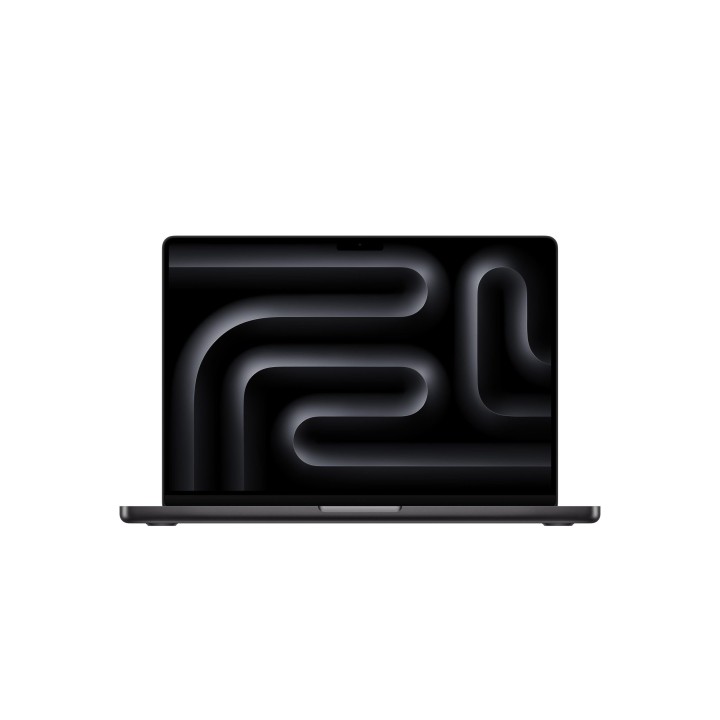
14-inch MacBook Pro M4 Max
Select options This product has multiple variants. The options may be chosen on the product page
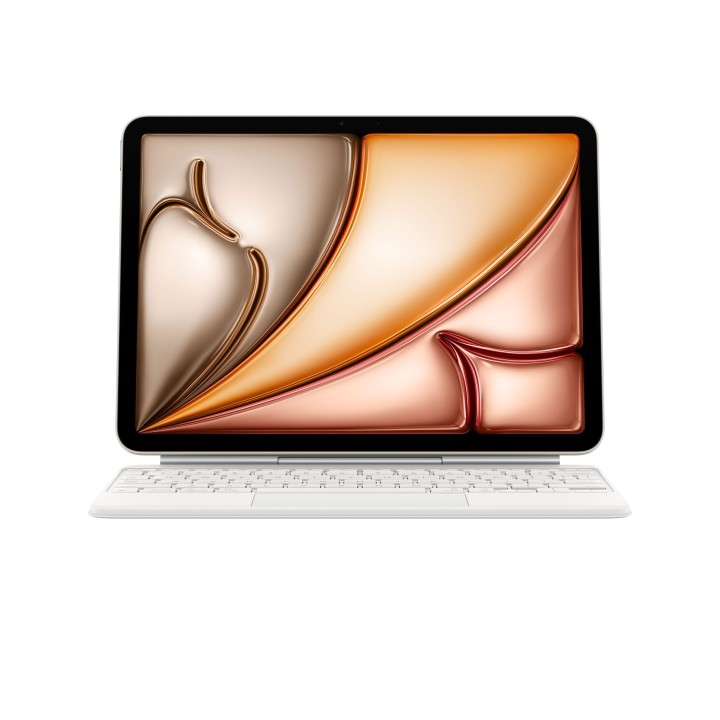
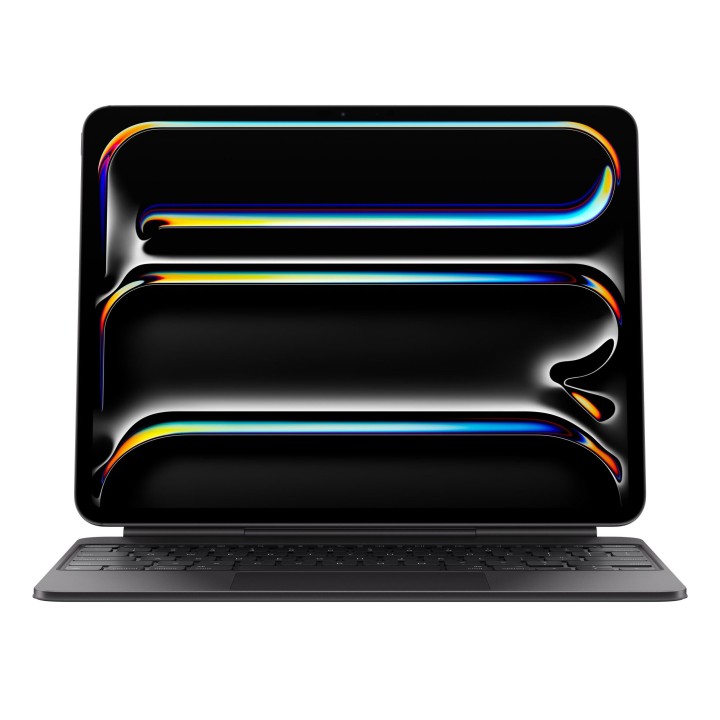
Magic Keyboard for iPad Pro 13-inch (M4) – US-English
Select options This product has multiple variants. The options may be chosen on the product page
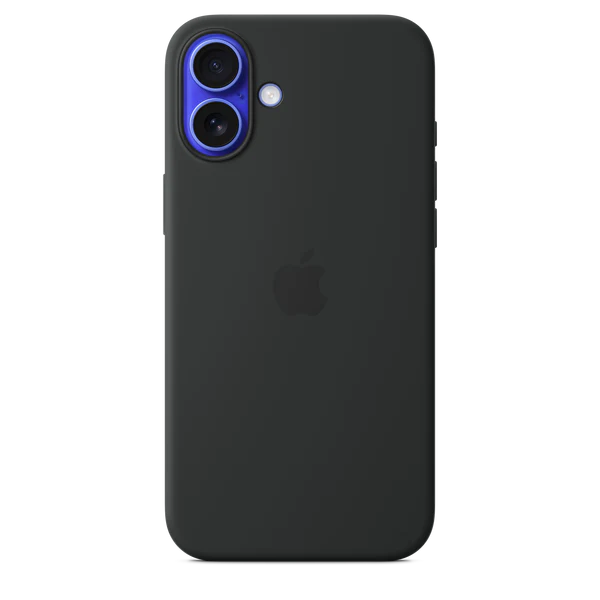
iPhone 16 Silicone Case with MagSafe
Select options This product has multiple variants. The options may be chosen on the product page
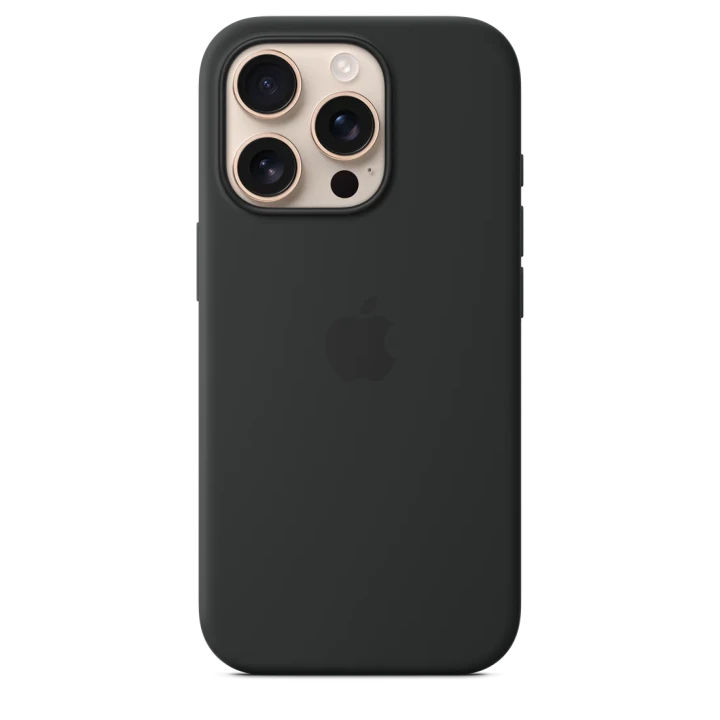
iPhone 16 Pro Silicone Case with MagSafe
Select options This product has multiple variants. The options may be chosen on the product page
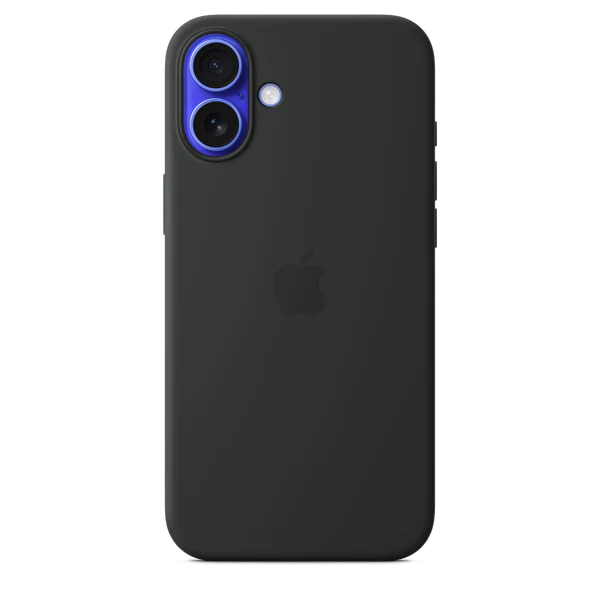
iPhone 16 Plus Silicone Case with MagSafe
Select options This product has multiple variants. The options may be chosen on the product page
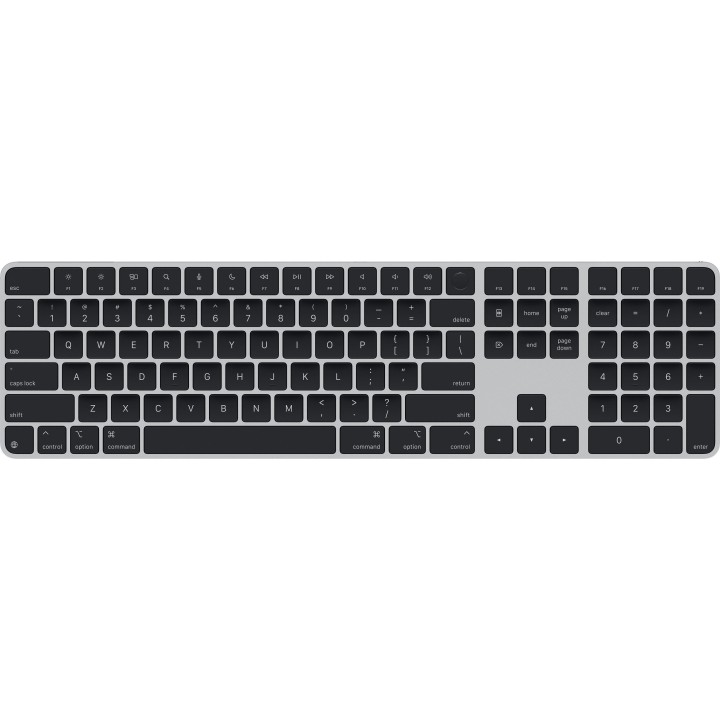
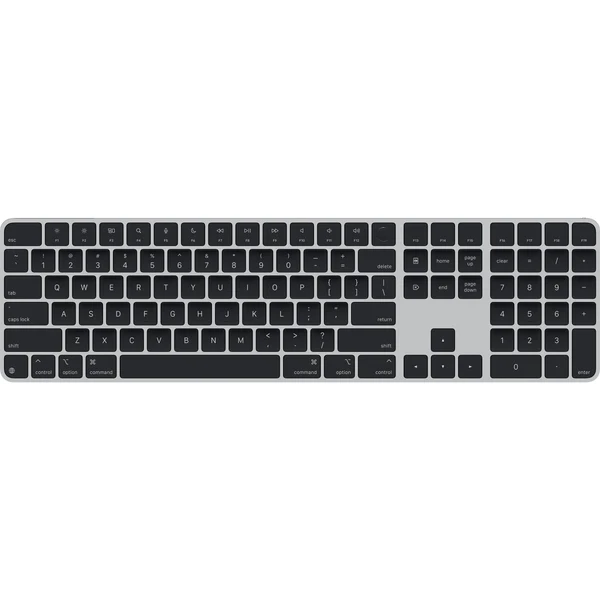
Magic Keyboard with Touch ID and Numeric Keypad
Select options This product has multiple variants. The options may be chosen on the product page
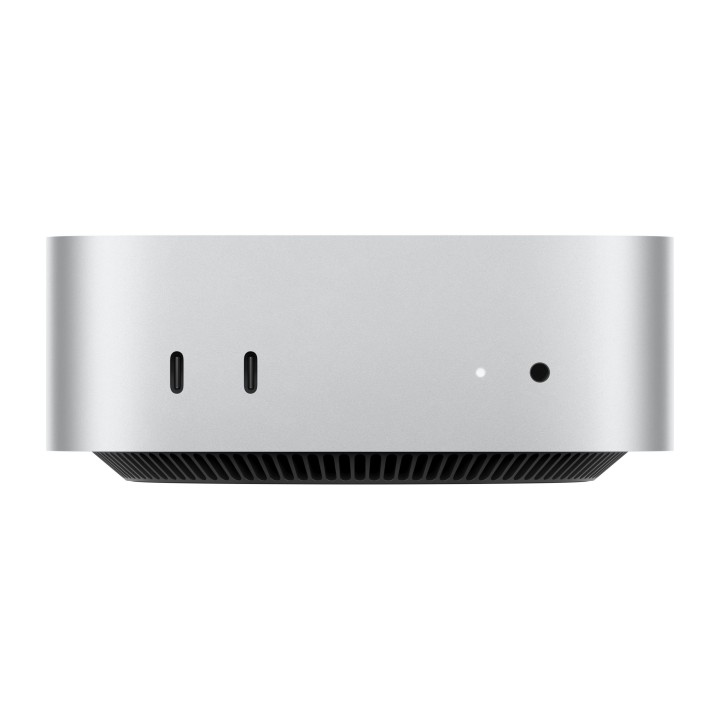
Mac mini
Select options This product has multiple variants. The options may be chosen on the product page

24-inch iMac with Retina 4.5K display M4
Select options This product has multiple variants. The options may be chosen on the product page
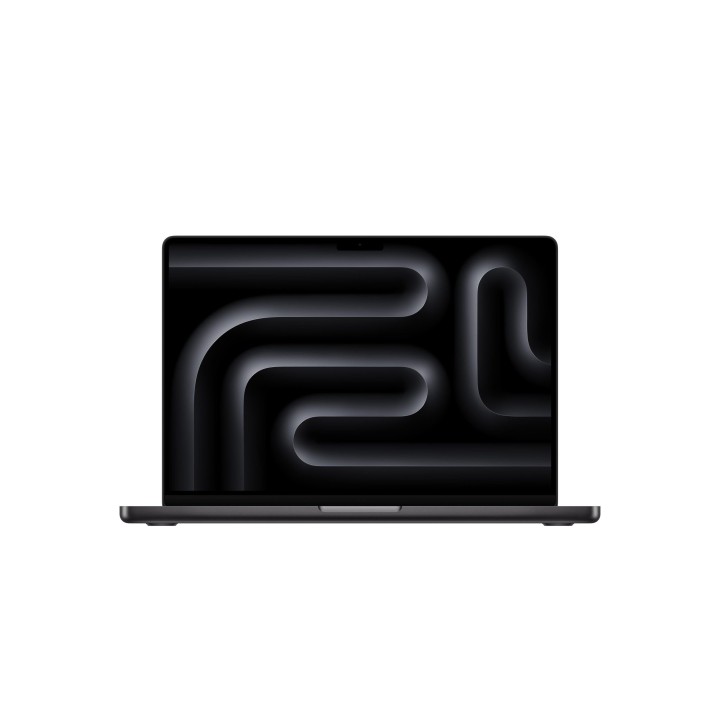
14-inch MacBook Pro M4 Pro
Select options This product has multiple variants. The options may be chosen on the product page
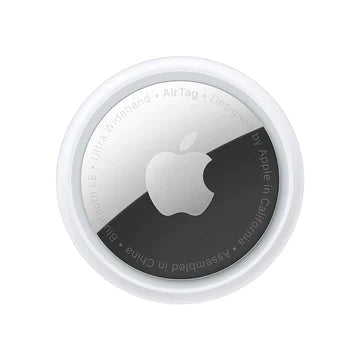
Buy AirTag
Select options This product has multiple variants. The options may be chosen on the product page
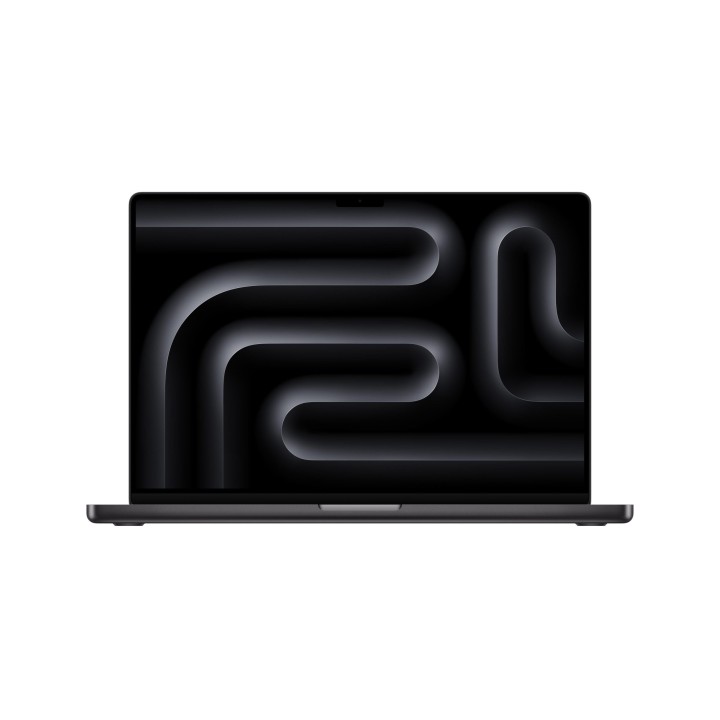
16-inch MacBook Pro M4 Pro
Select options This product has multiple variants. The options may be chosen on the product page
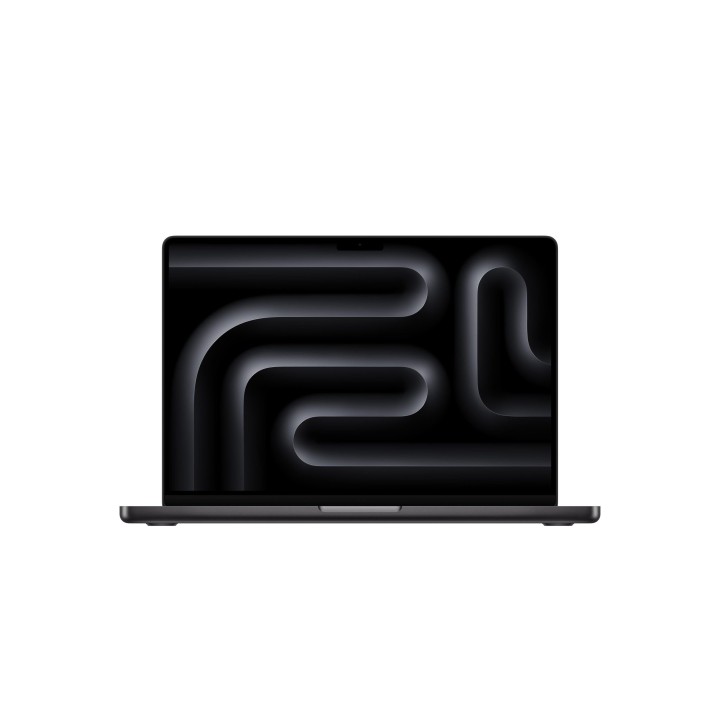
14-inch MacBook Pro M4
Select options This product has multiple variants. The options may be chosen on the product page
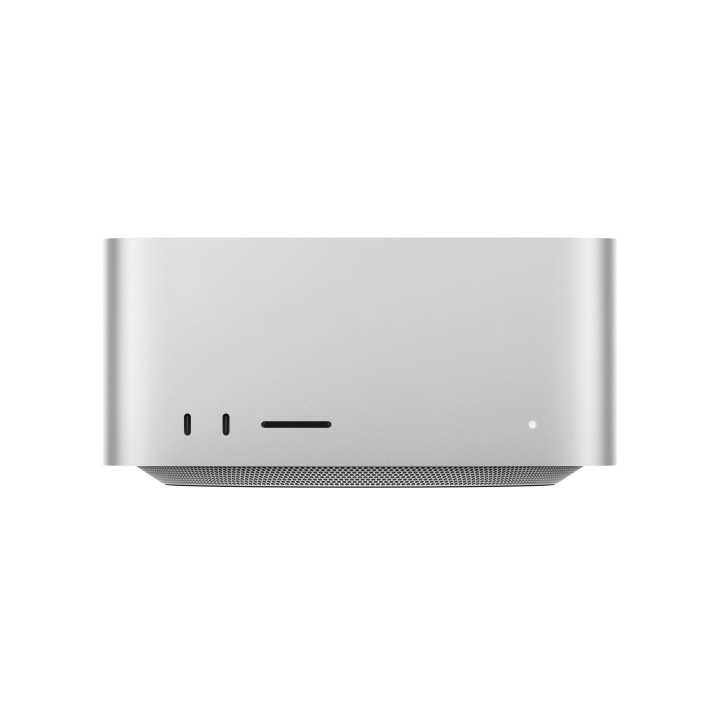
Mac Studio (2025)
Select options This product has multiple variants. The options may be chosen on the product page
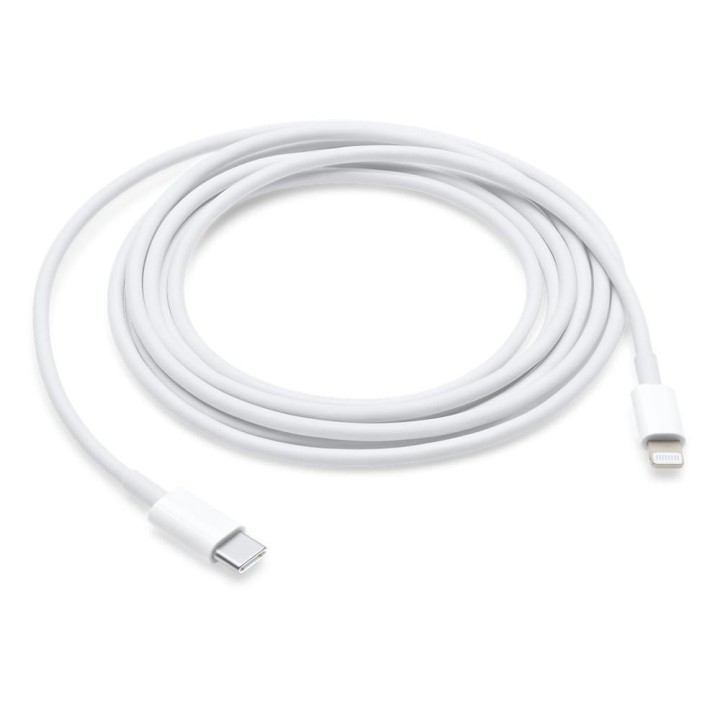
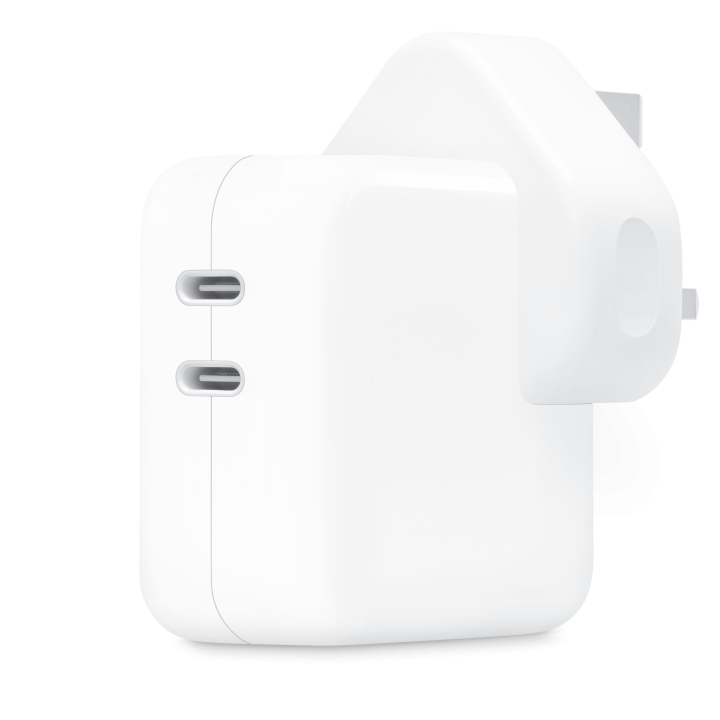
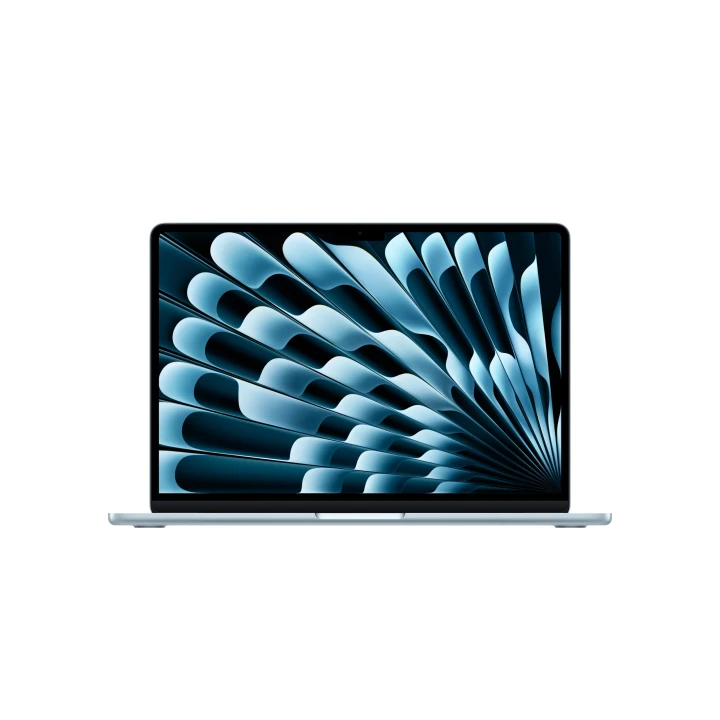
15-inch MacBook Air (M4)
Select options This product has multiple variants. The options may be chosen on the product page
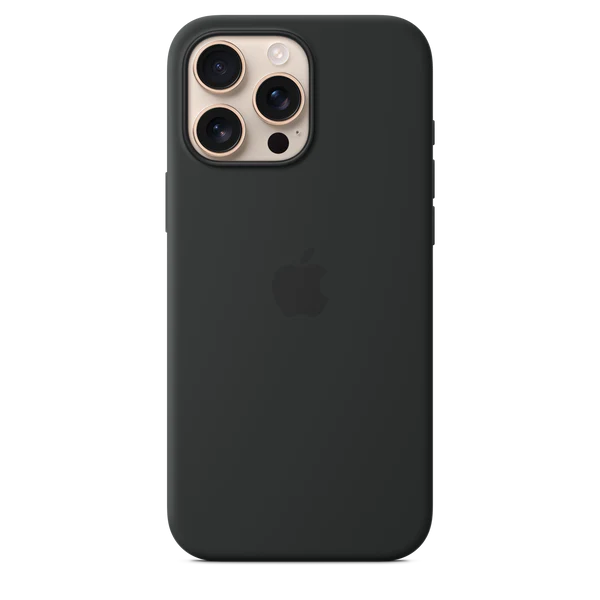
iPhone 16 Pro Max Silicone Case with MagSafe
Select options This product has multiple variants. The options may be chosen on the product page
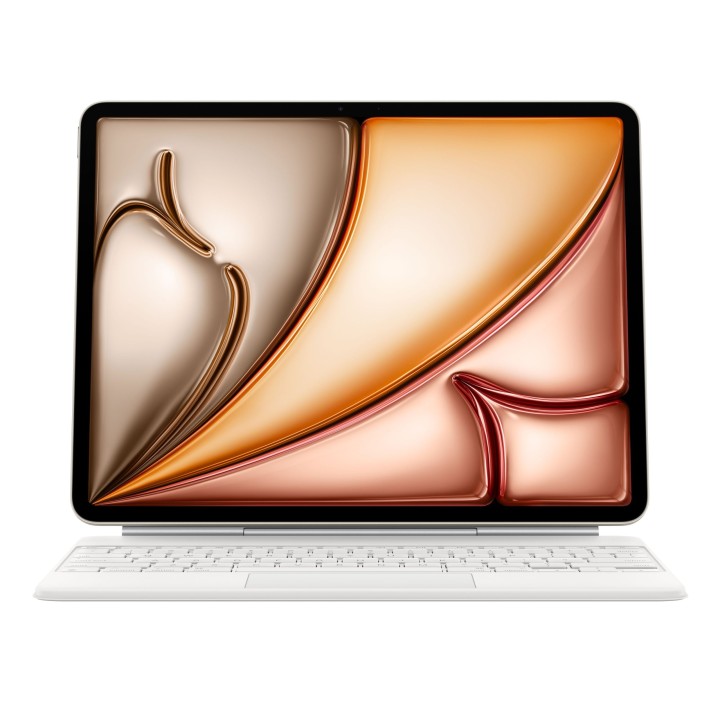
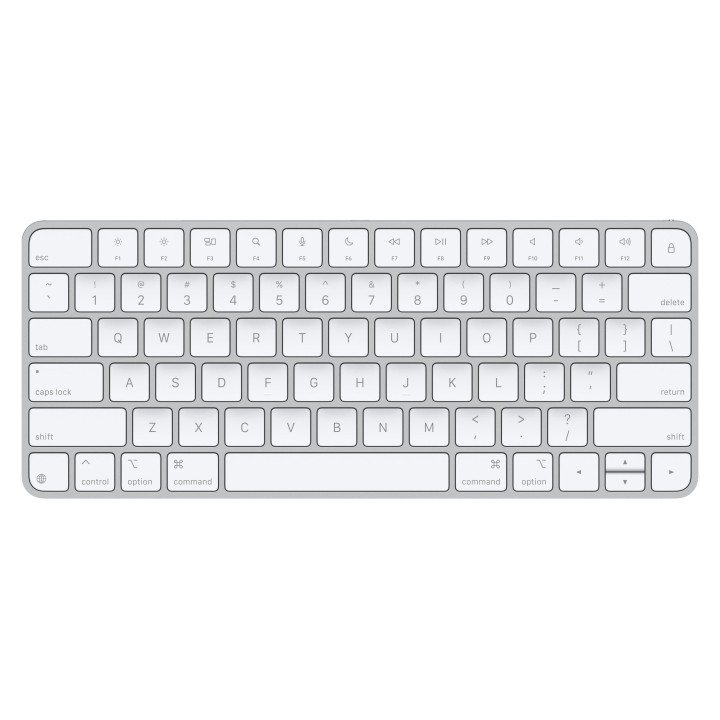
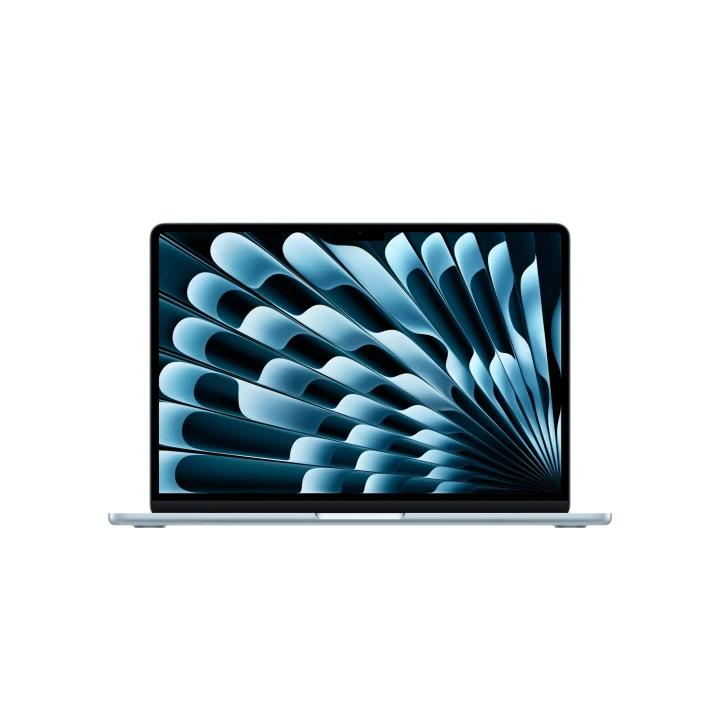
13-inch MacBook Air (M4)
Select options This product has multiple variants. The options may be chosen on the product page
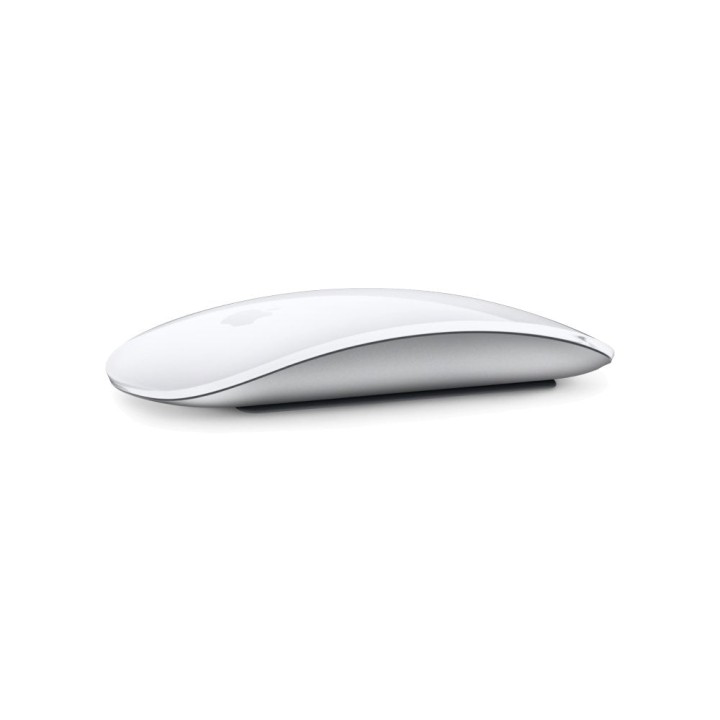
Magic Mouse
Select options This product has multiple variants. The options may be chosen on the product page
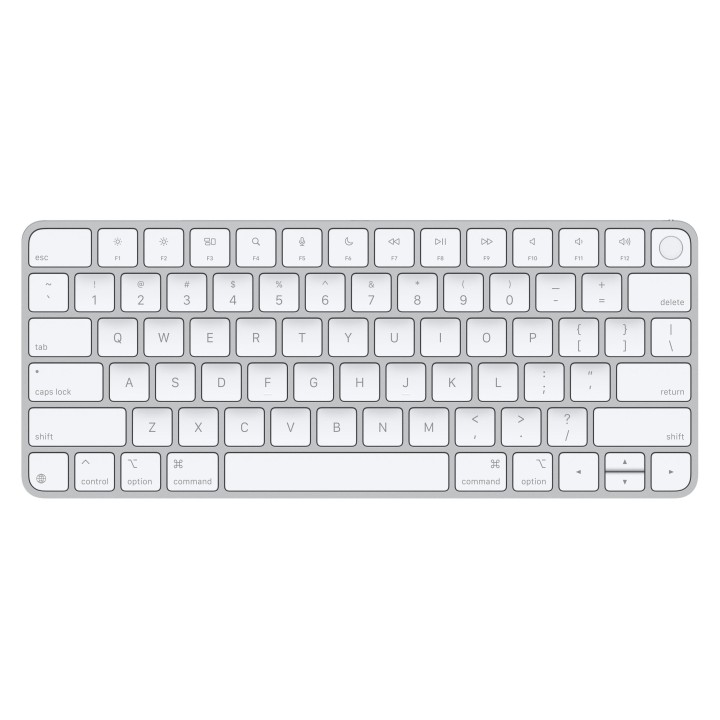
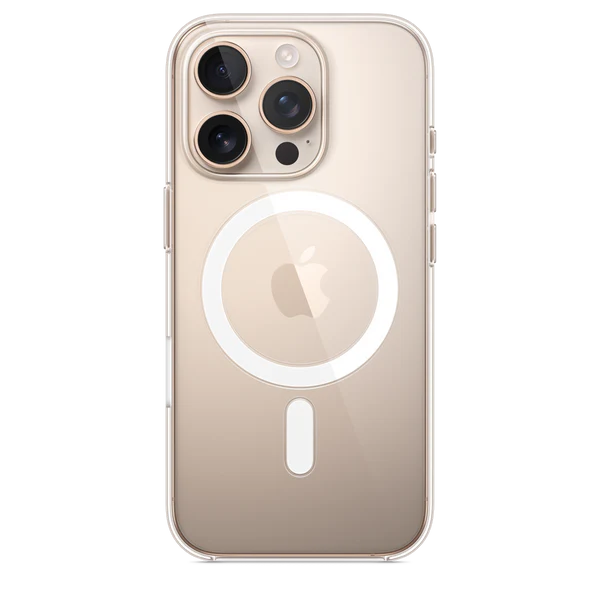
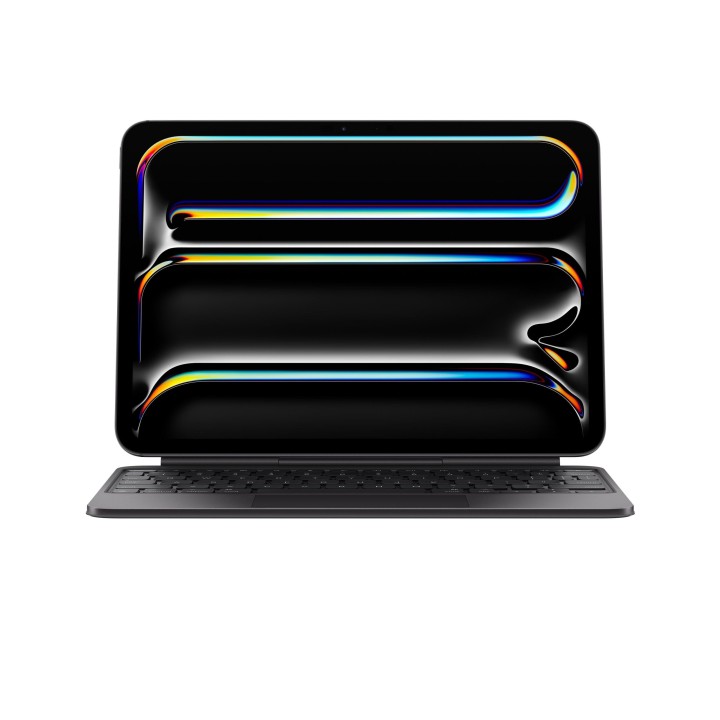
Magic Keyboard for iPad Pro 11-inch (M4) – US-English
Select options This product has multiple variants. The options may be chosen on the product page
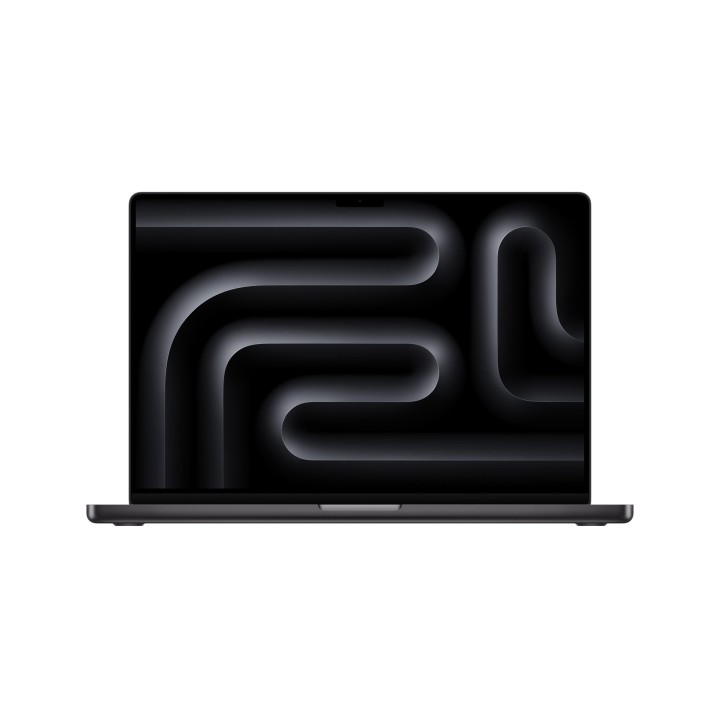
16-inch MacBook Pro M4 Max
Select options This product has multiple variants. The options may be chosen on the product page